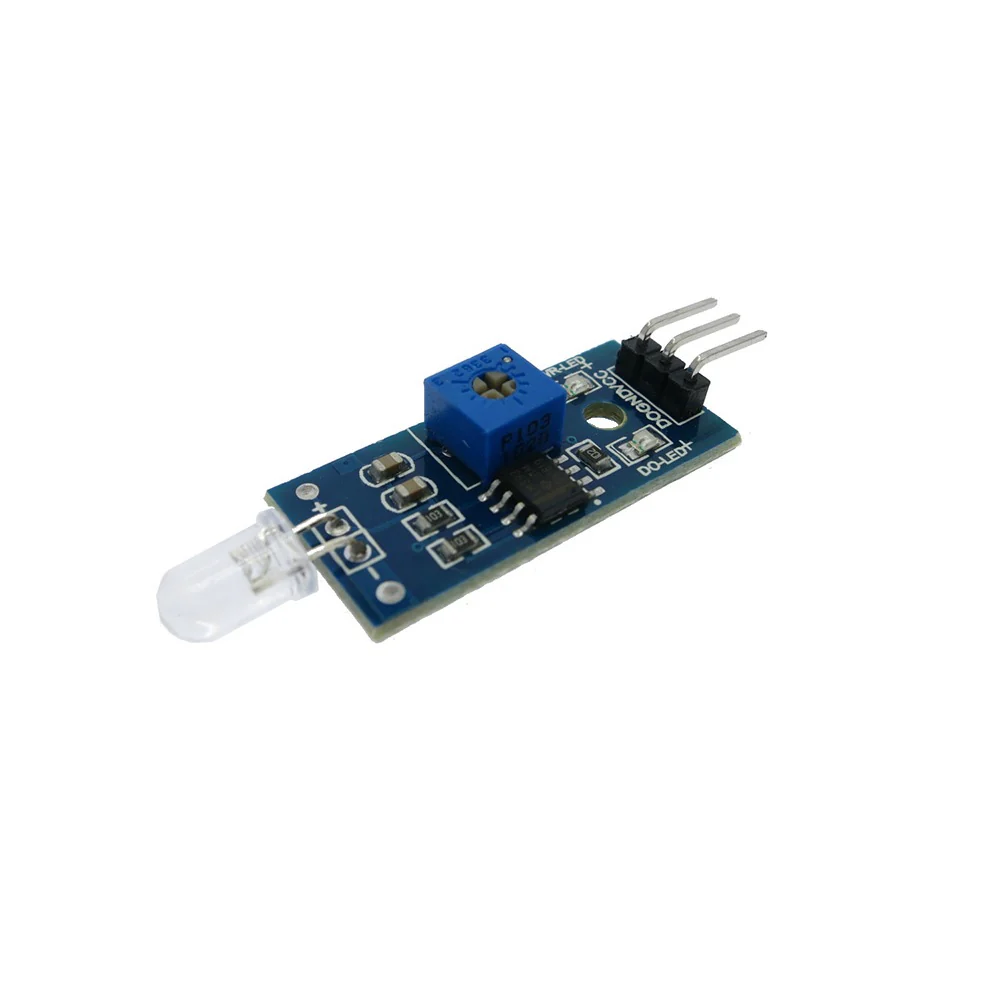
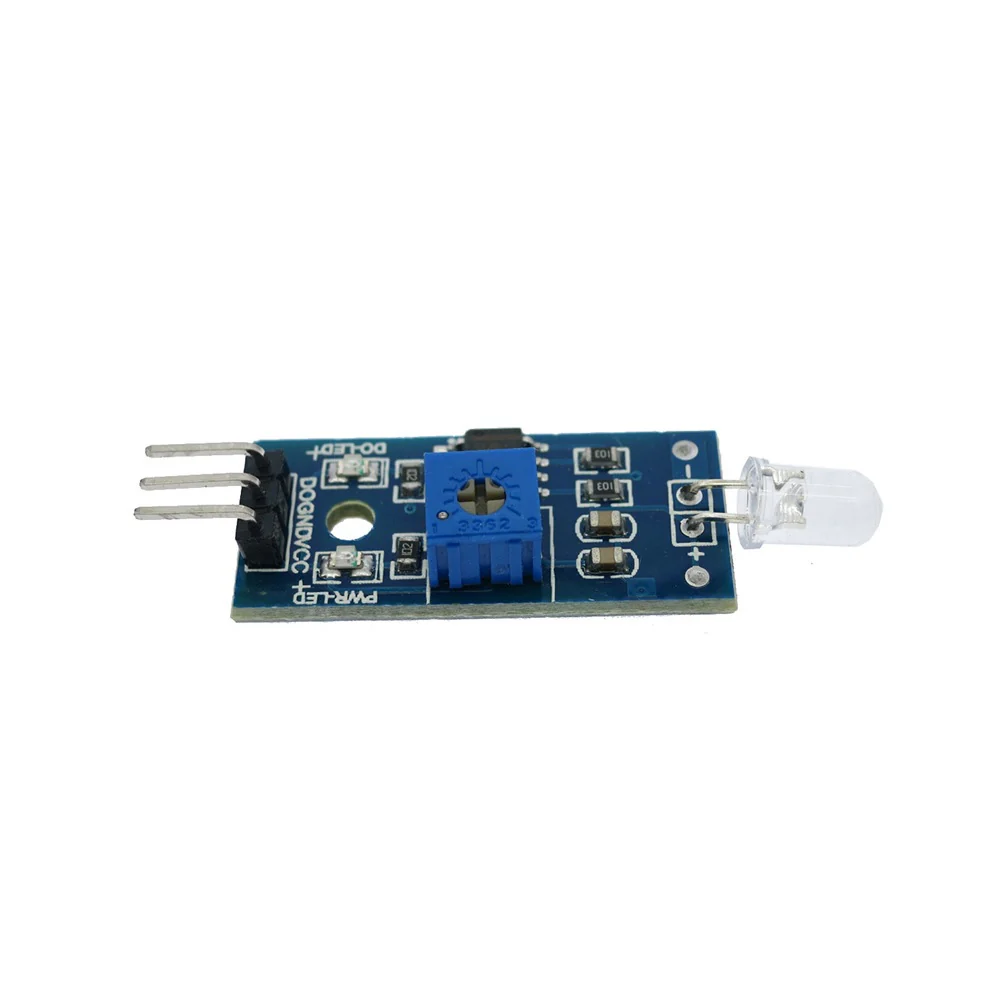
Infrared Obstacle Avoidance IR Sensor Module
Infrared Obstacle Avoidance IR Sensor Module
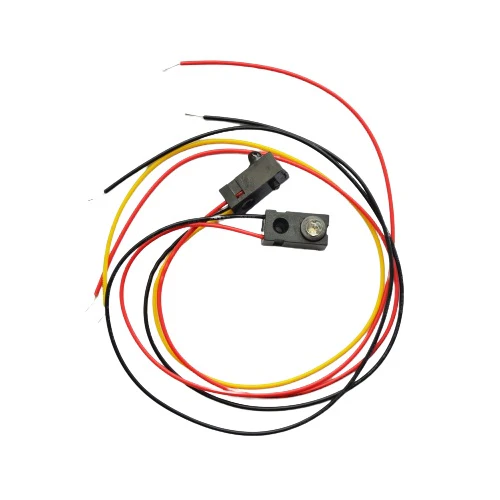
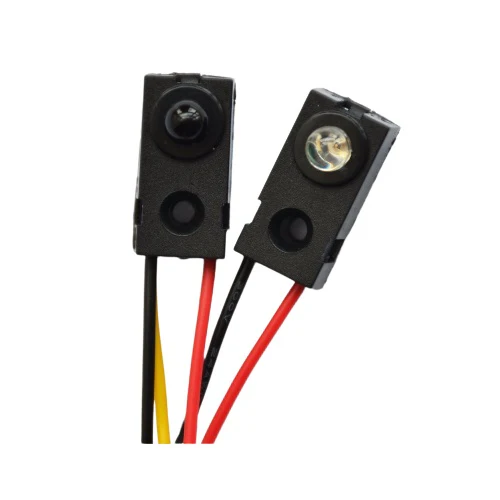
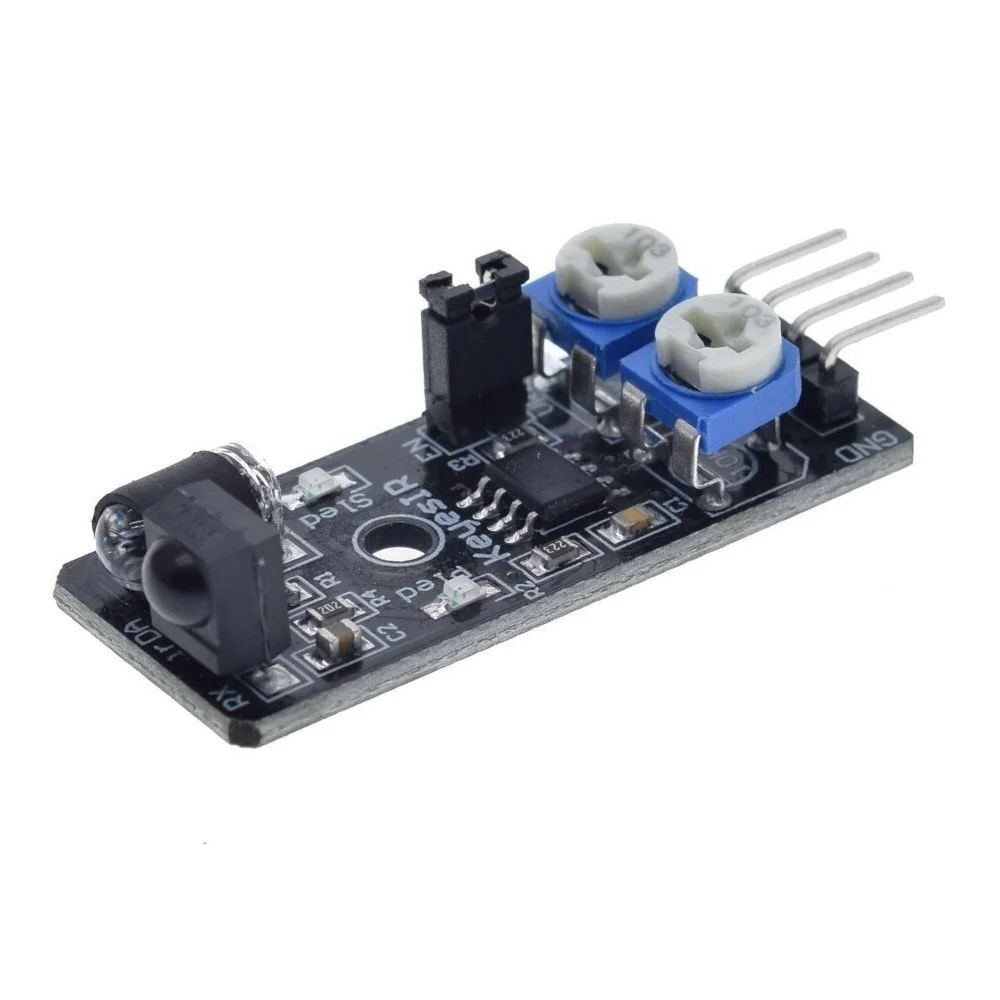
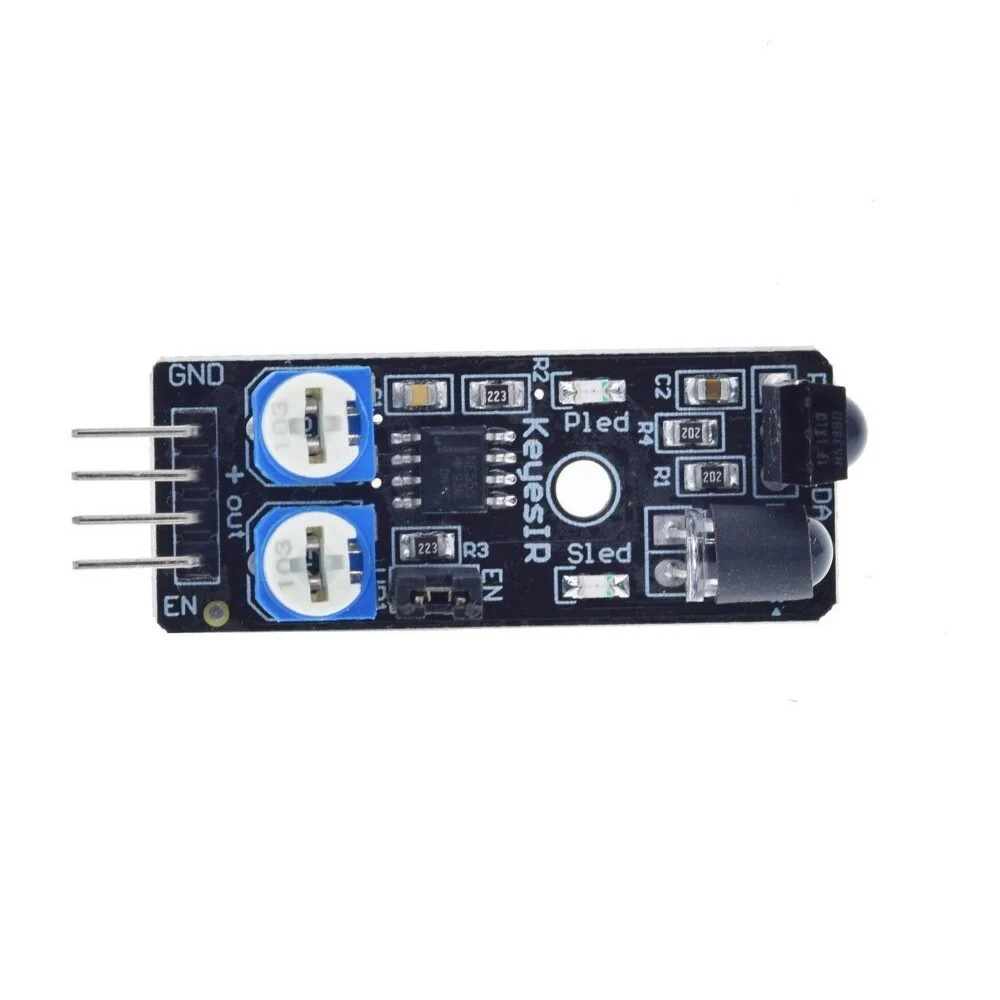
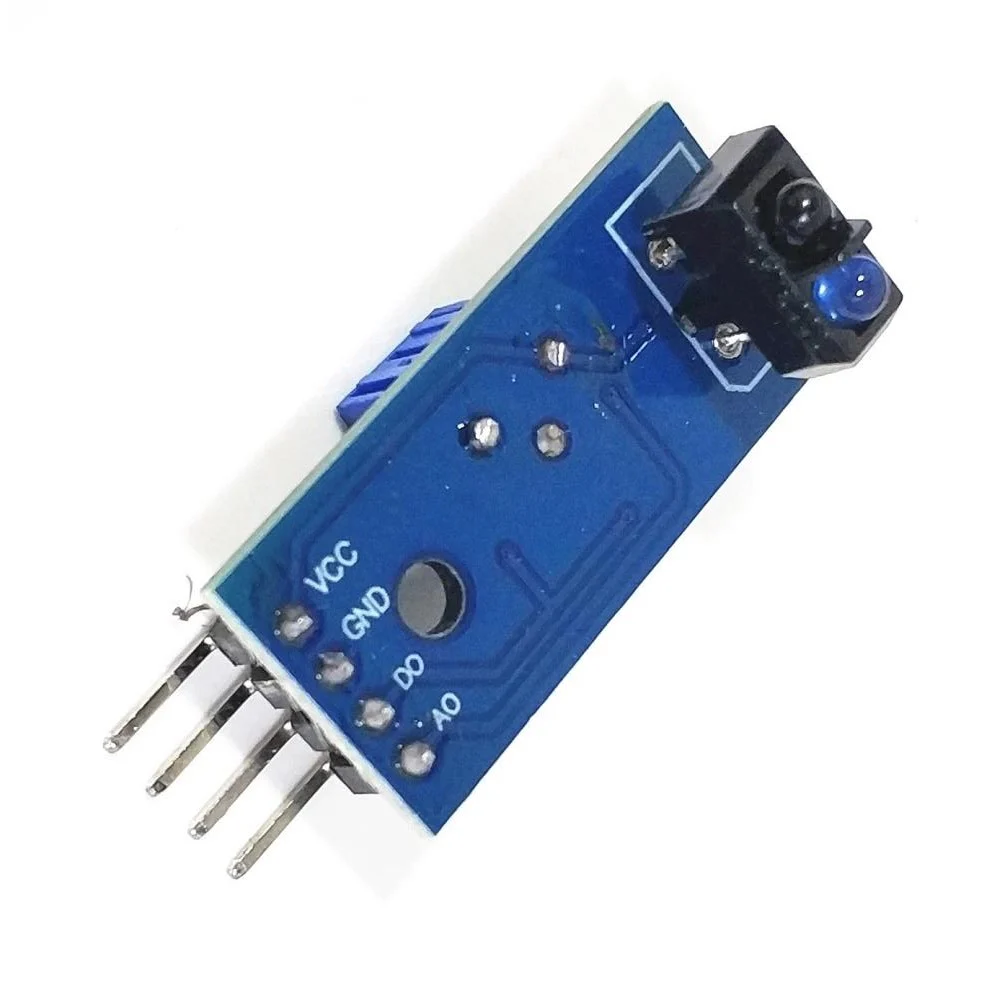
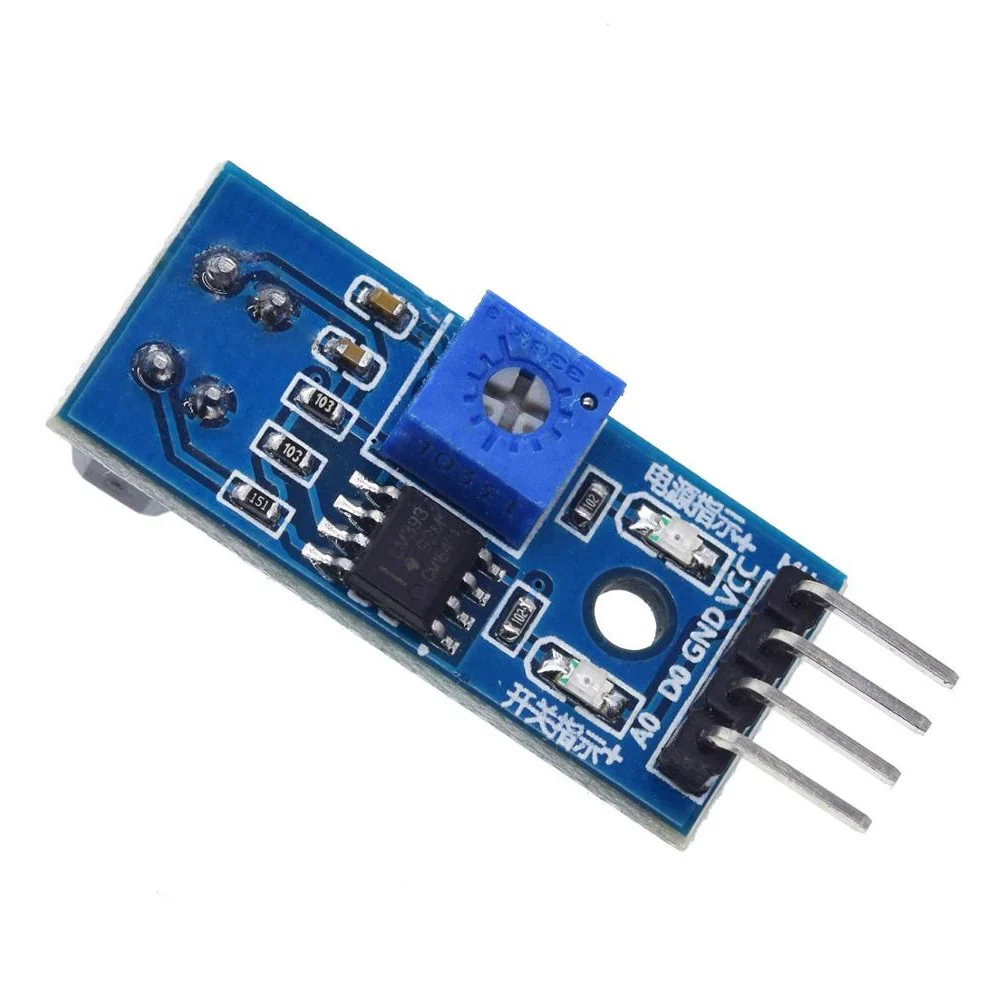
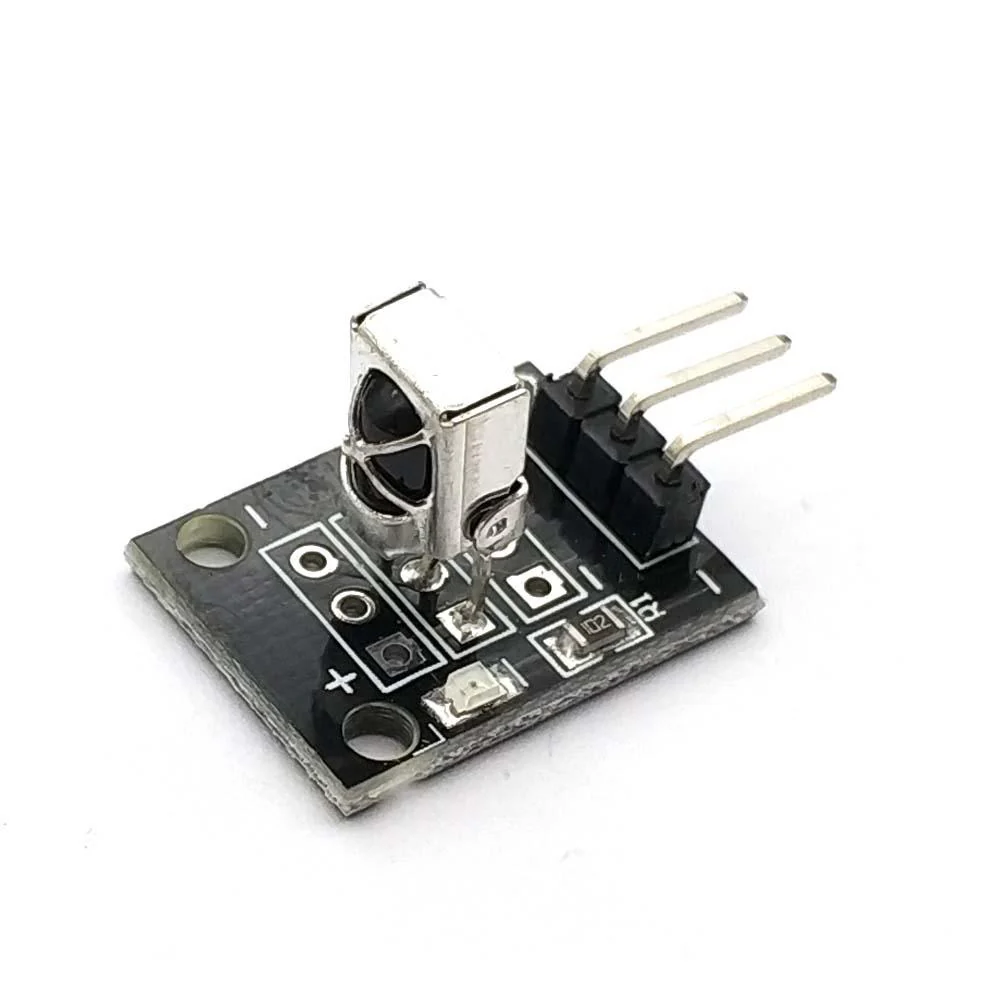
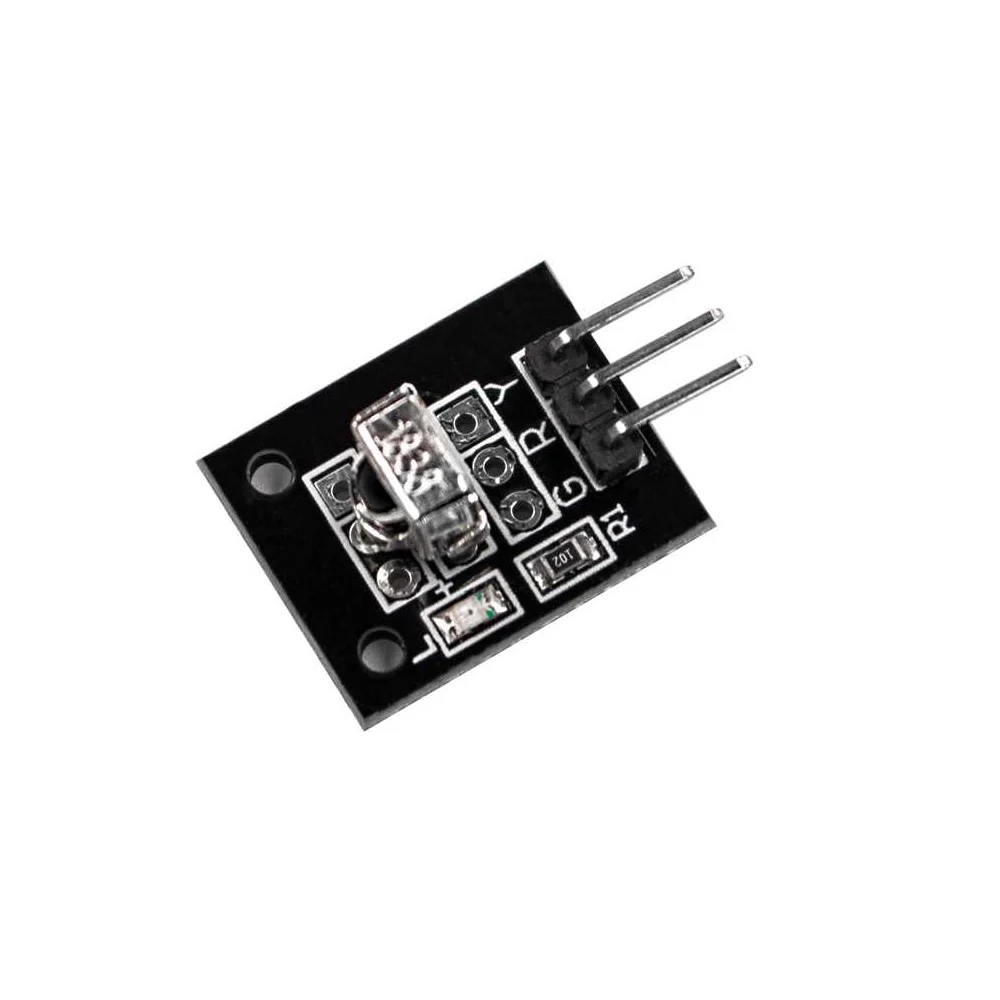
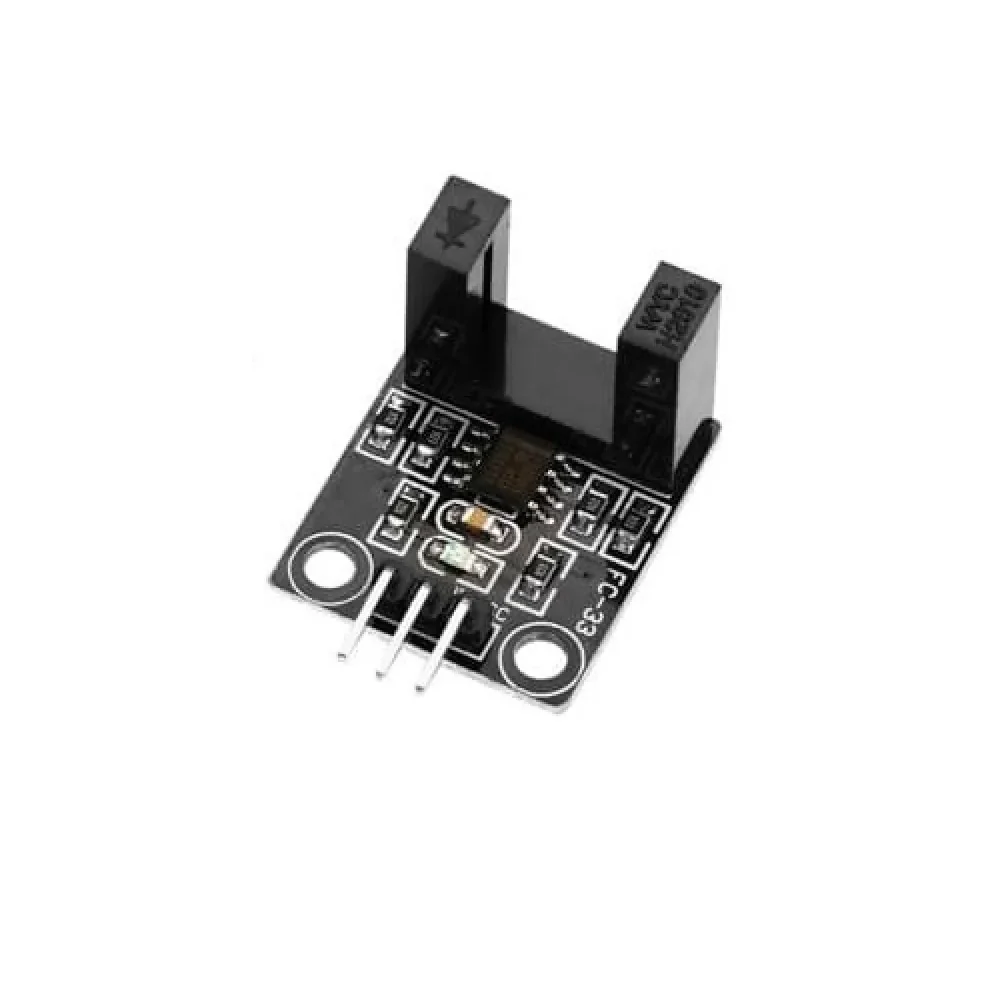
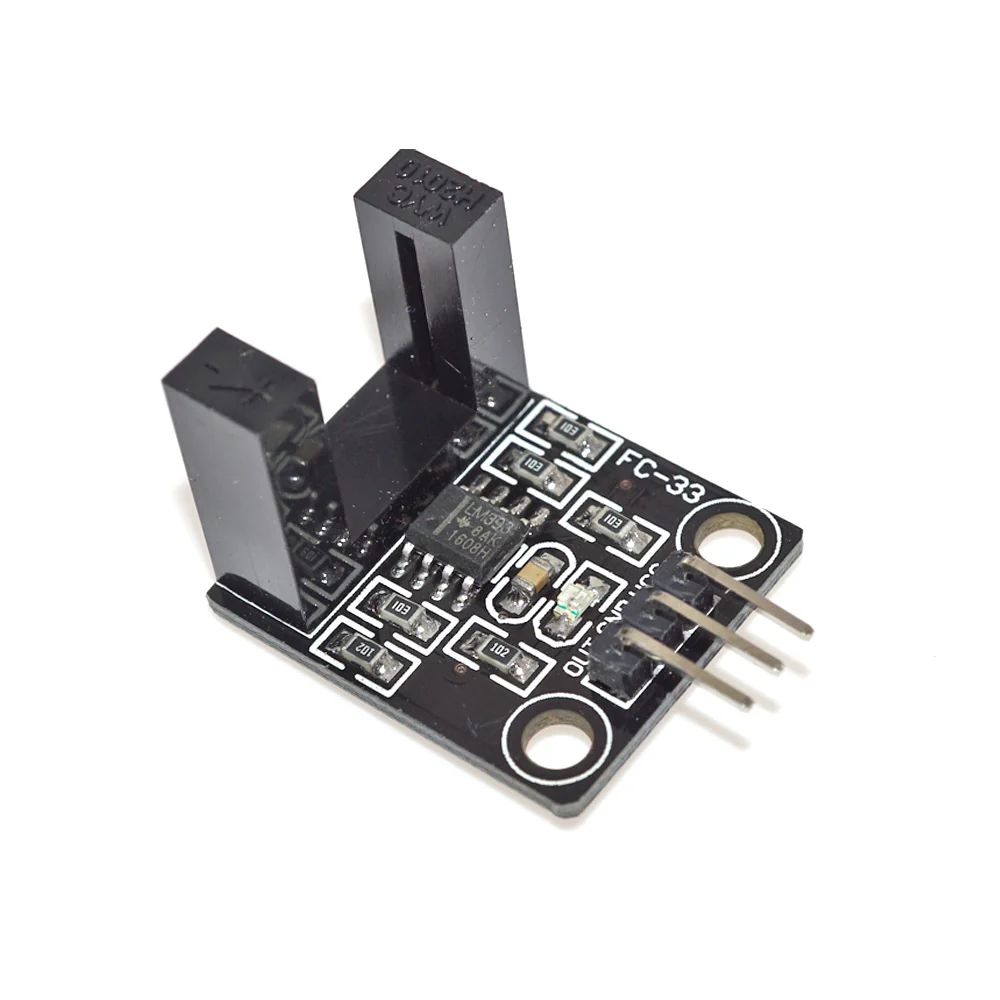
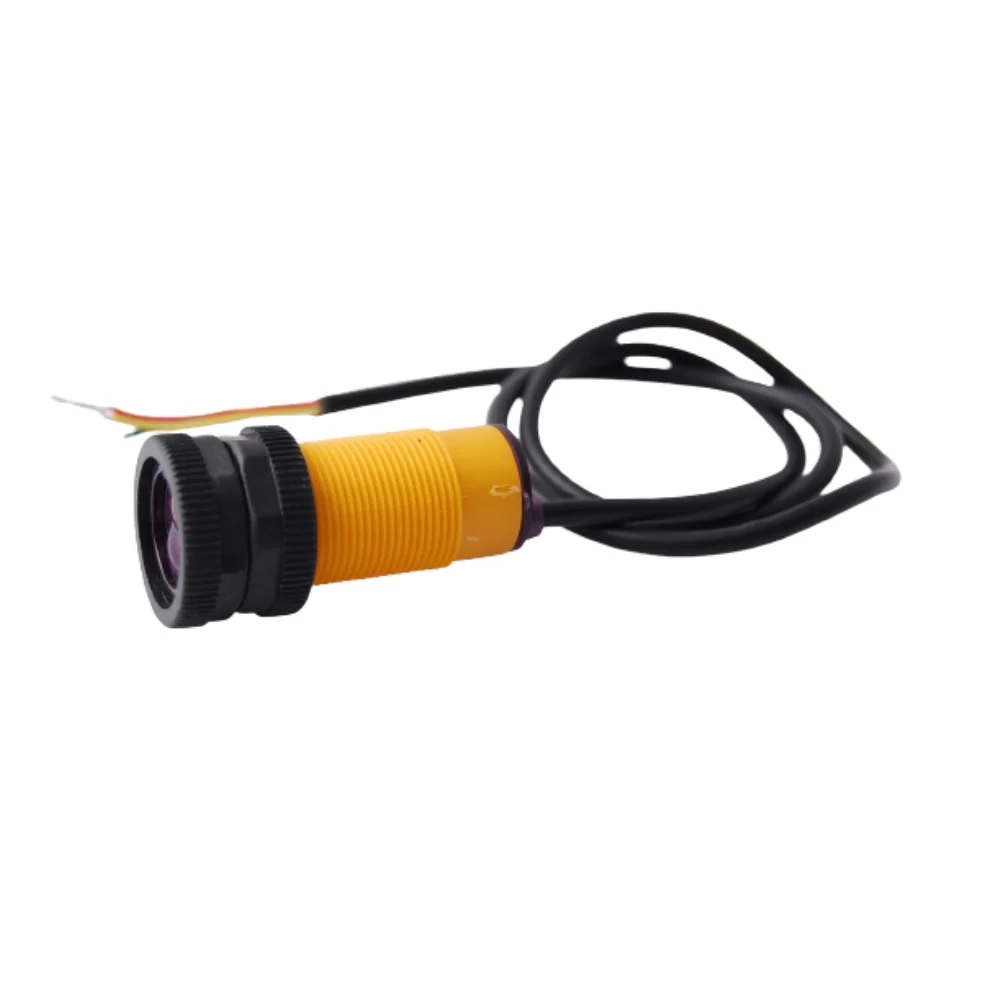
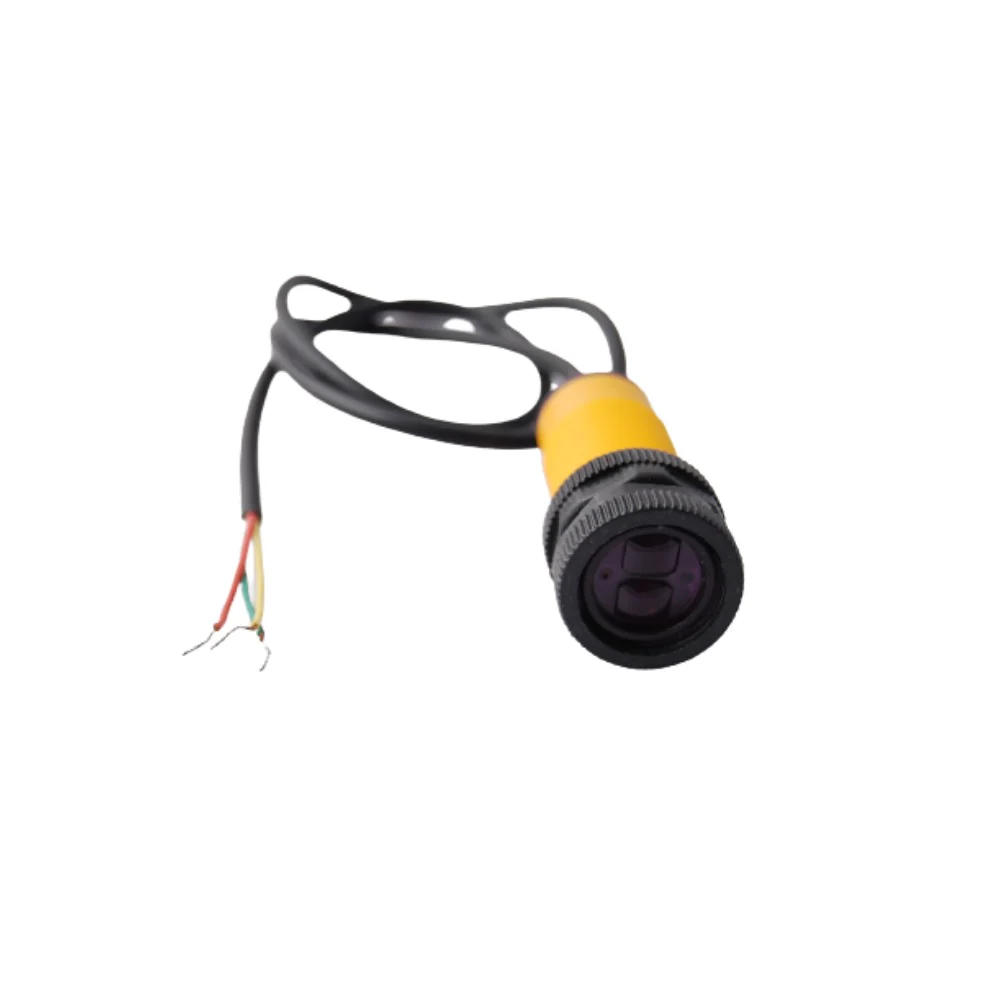
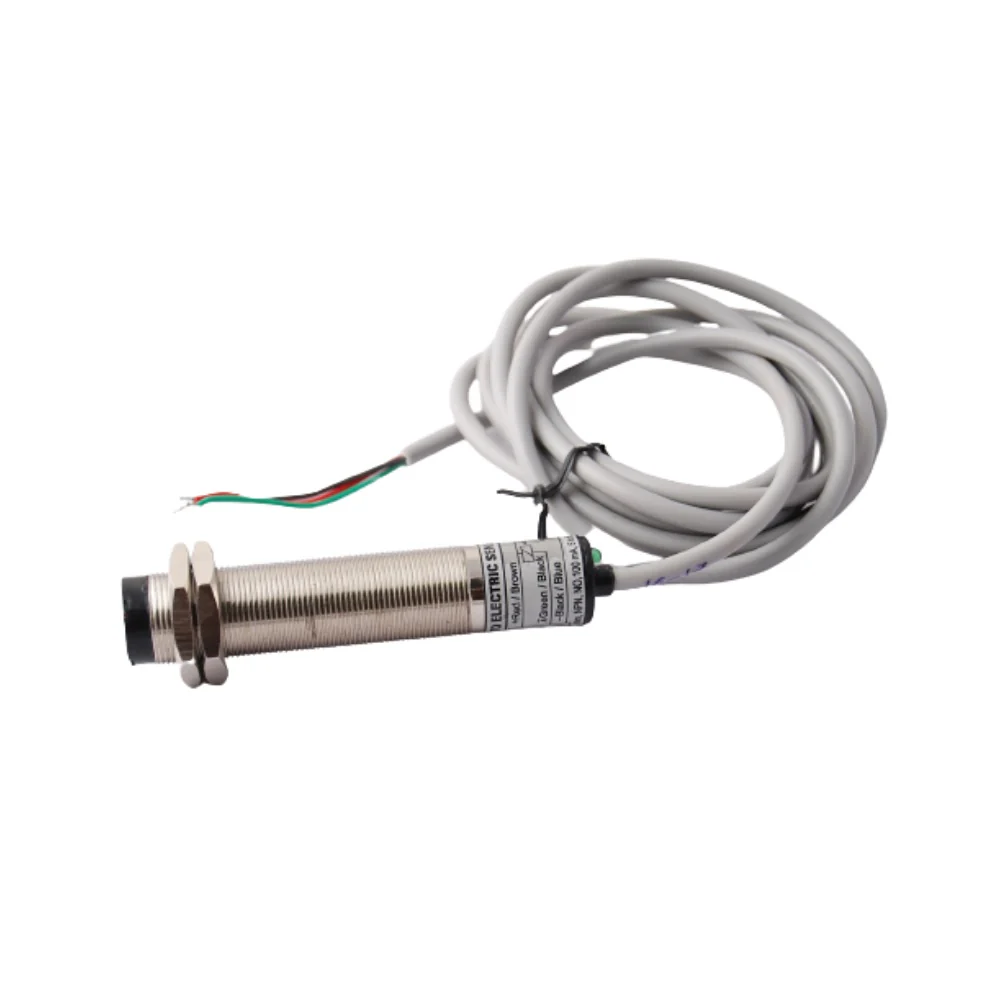
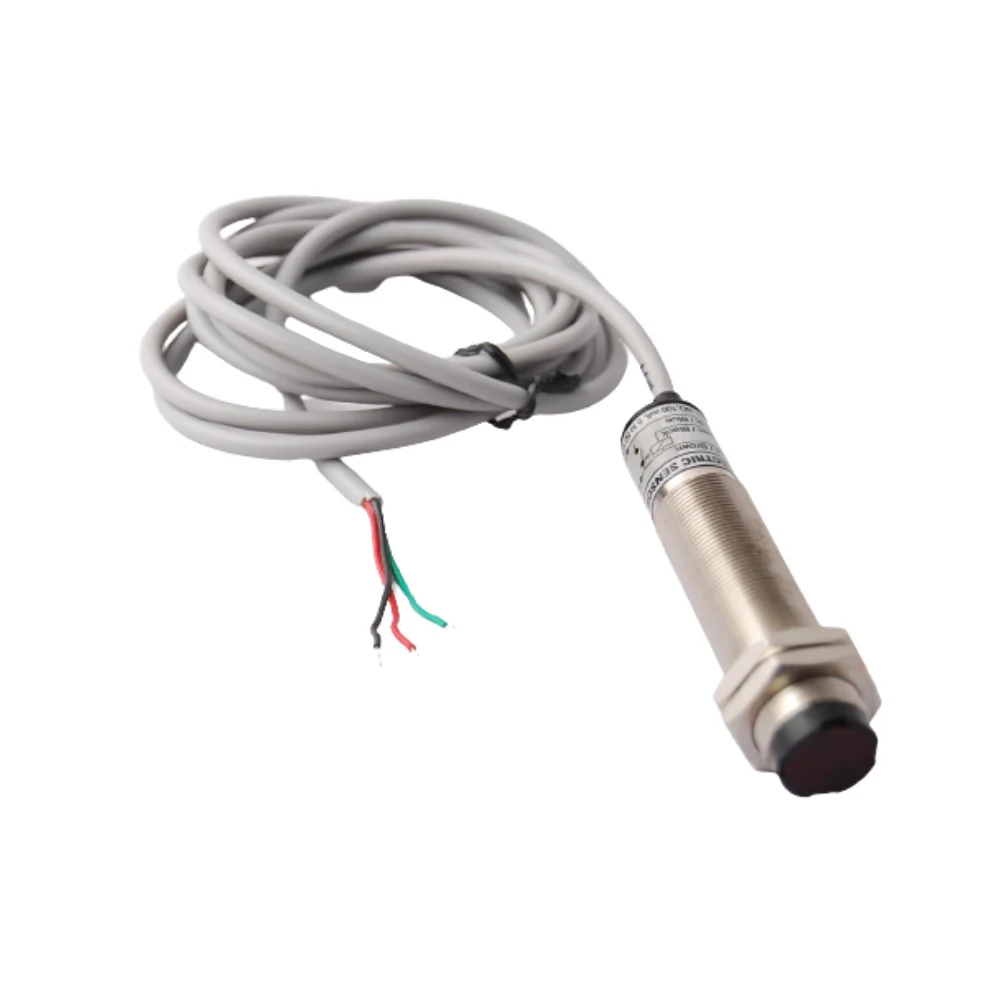
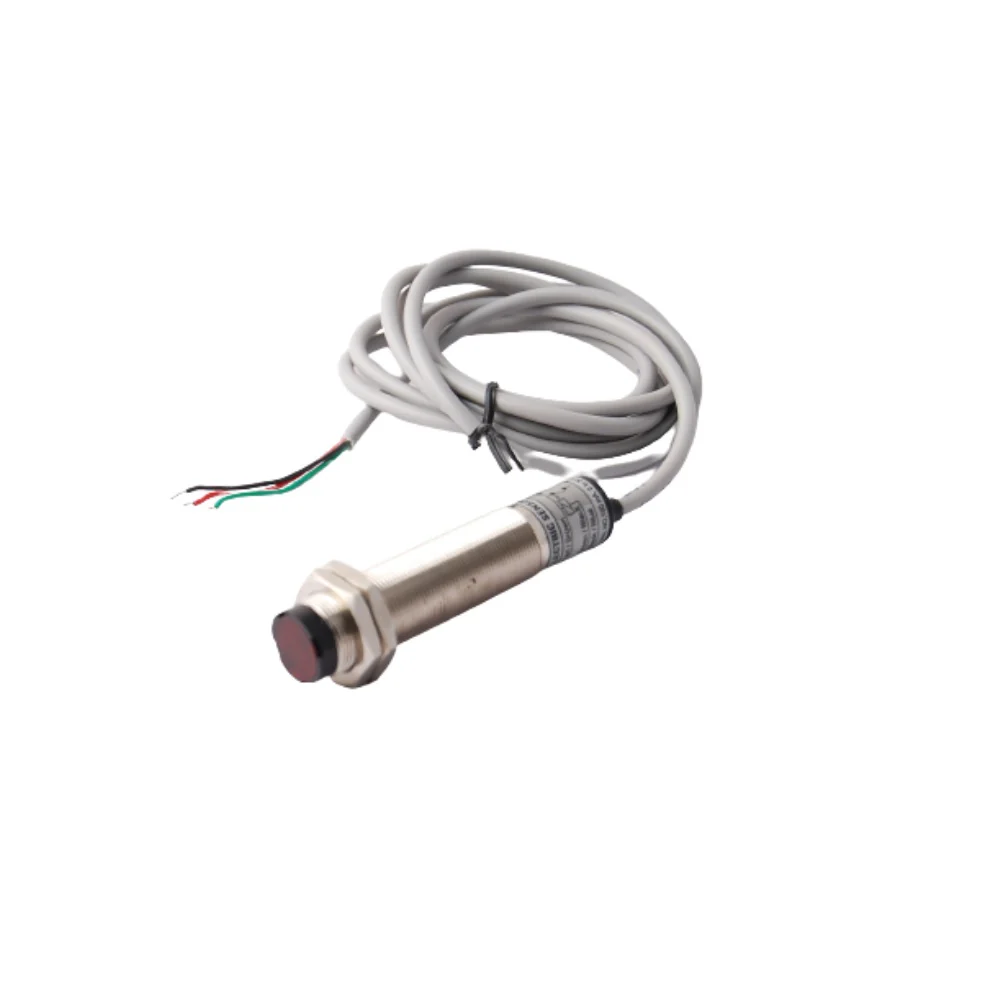
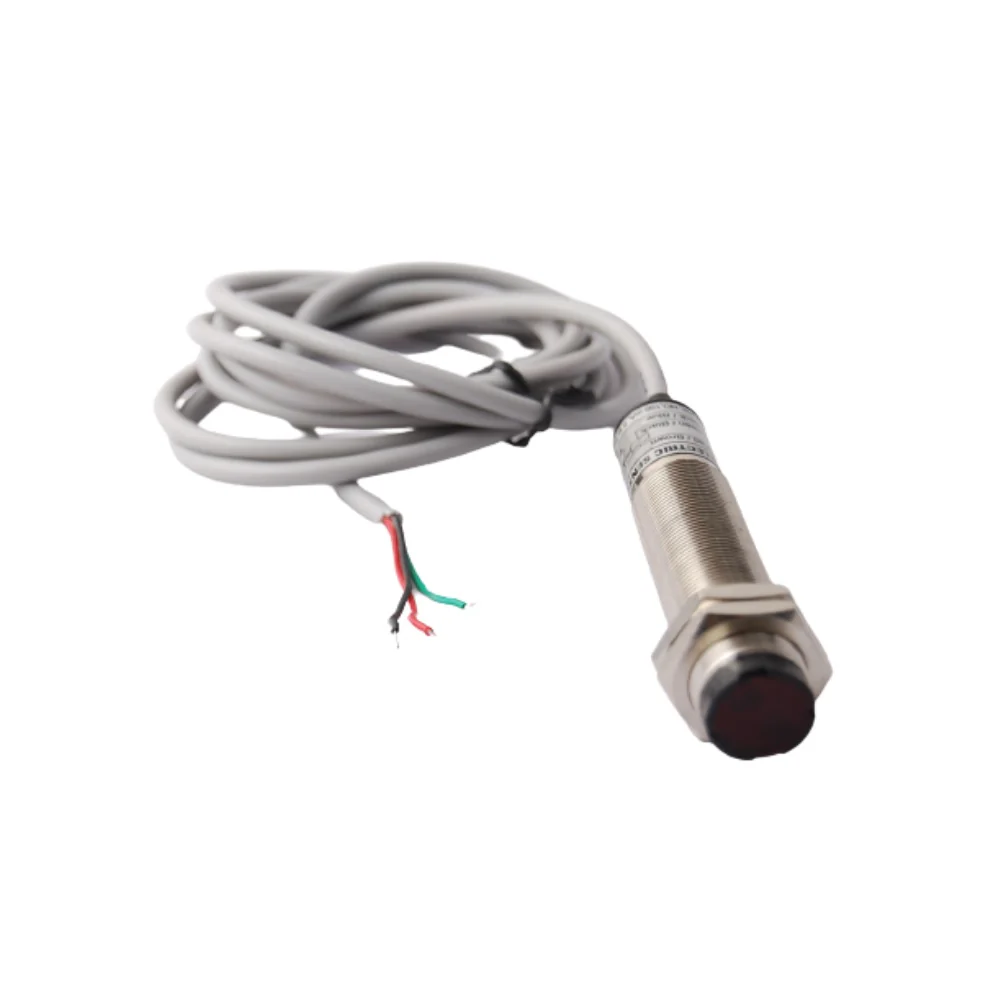
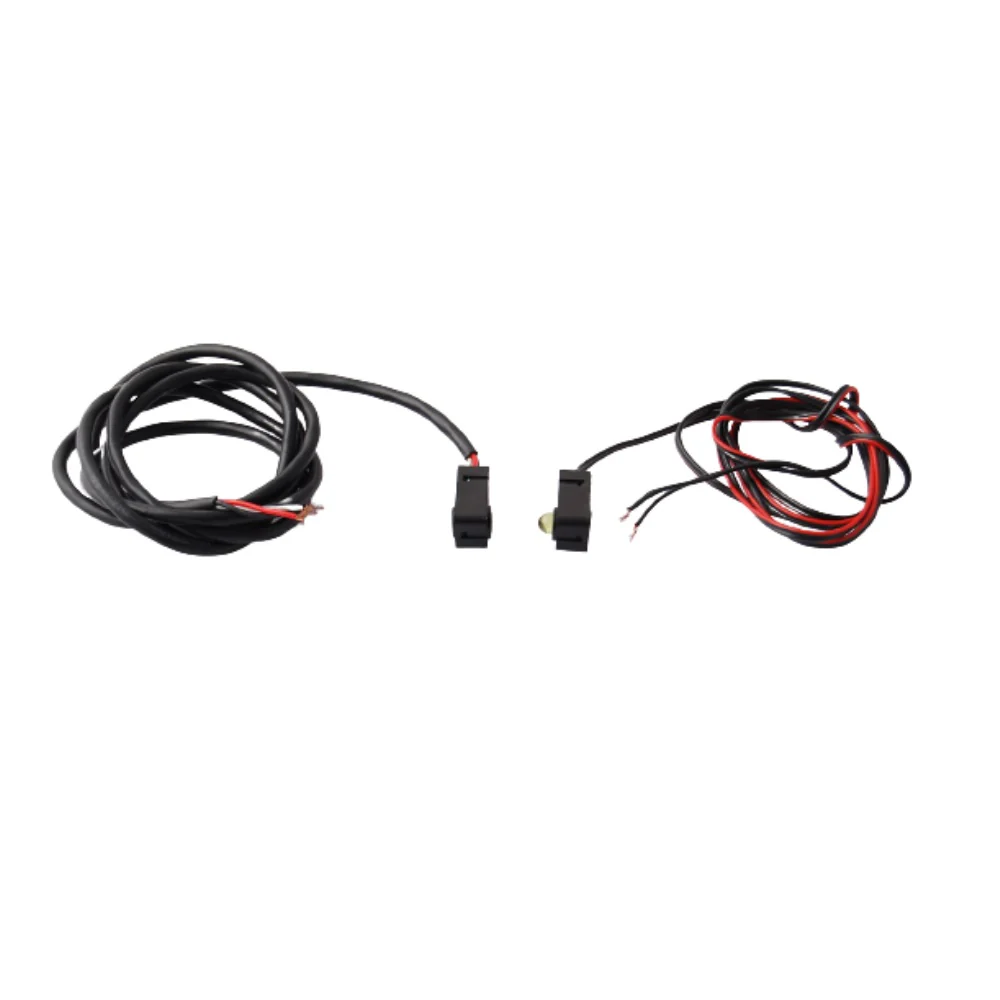
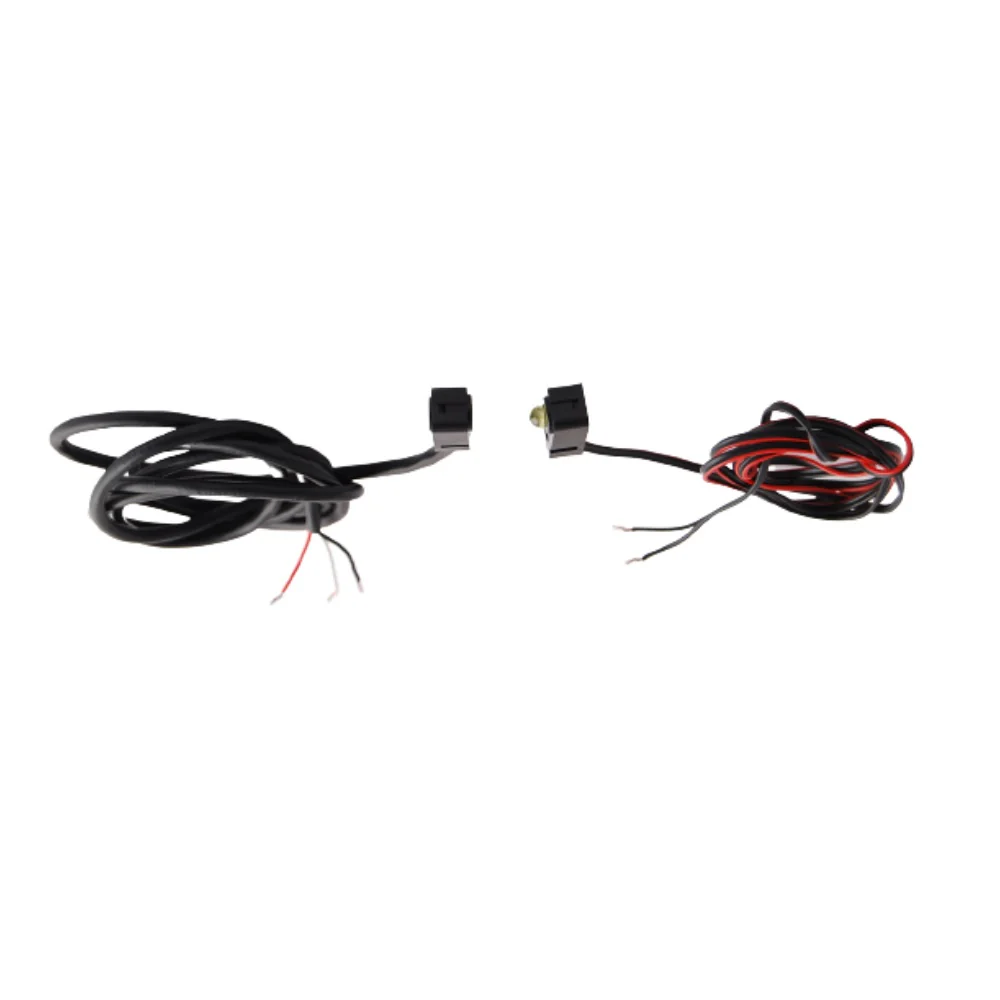
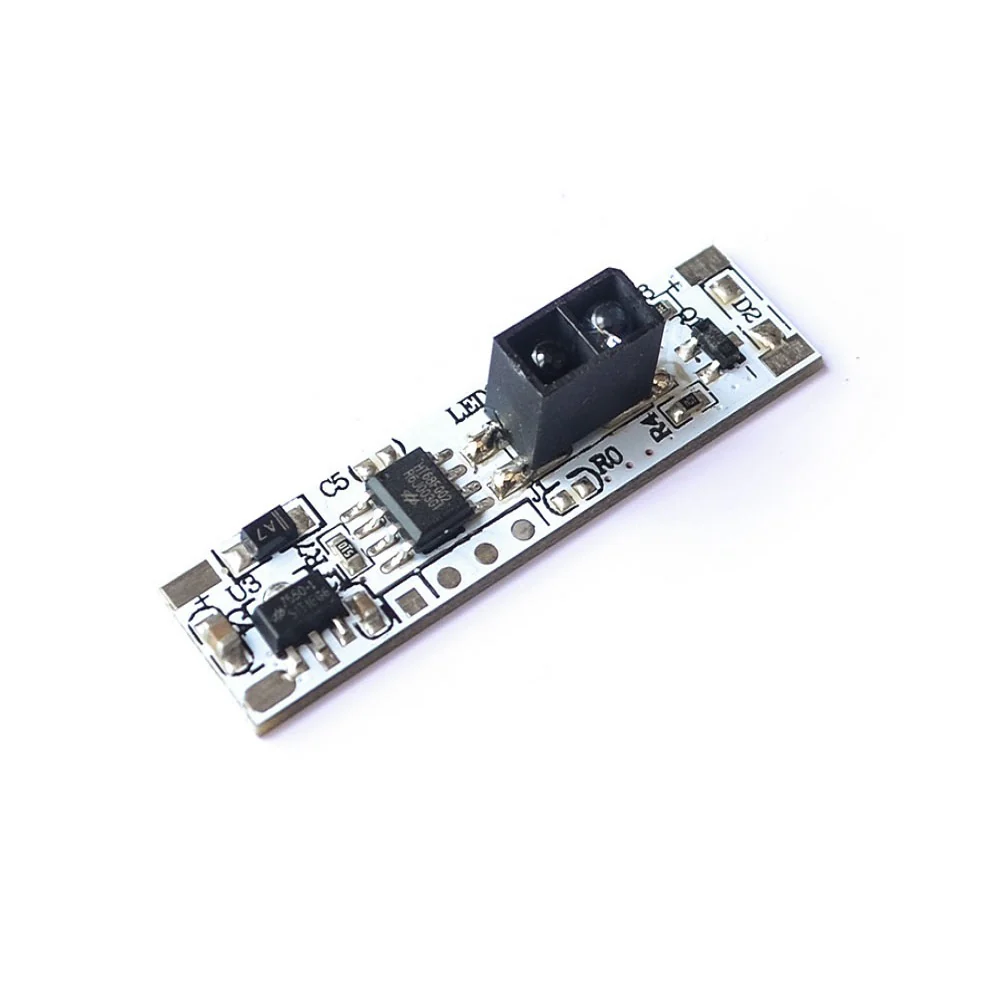
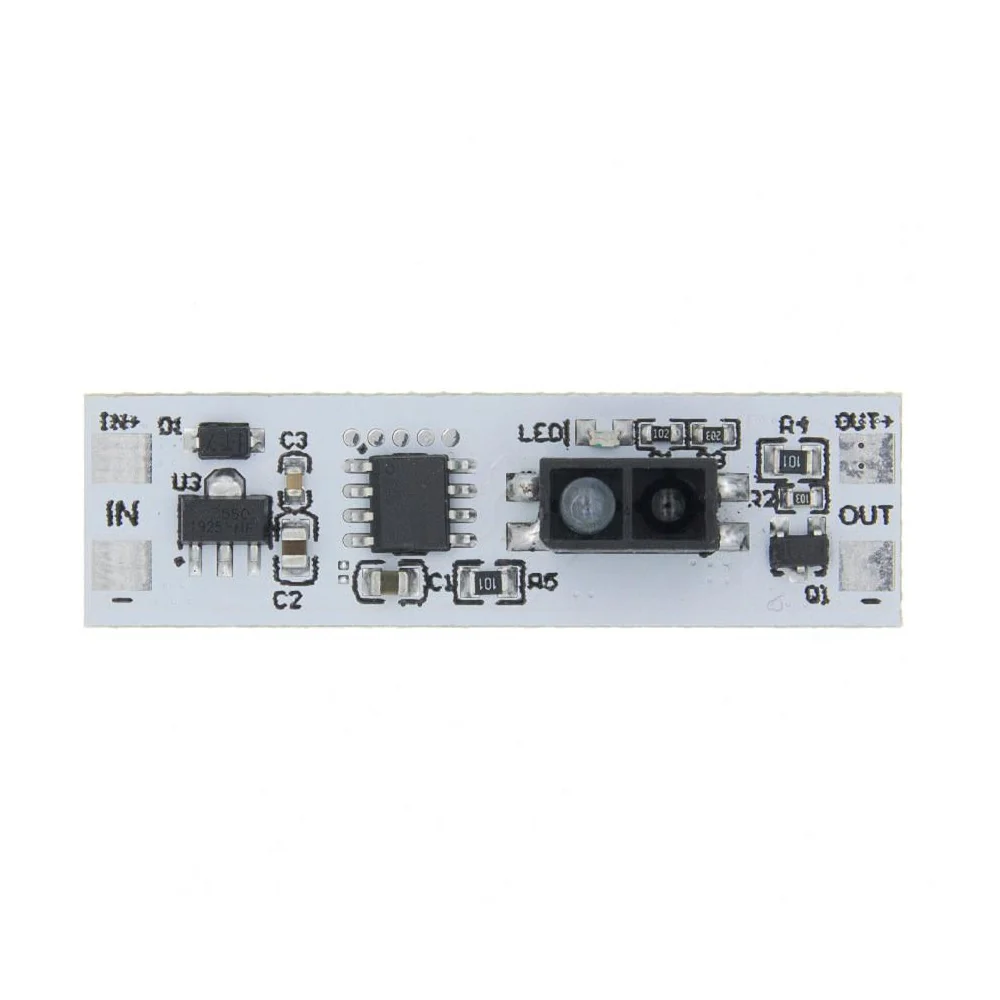
An Infrared (IR) Sensor is an electronic device that uses infrared light to detect objects or measure distances. IR sensors are commonly used in various applications, such as proximity detection, motion sensing, and communication with devices like TVs or robots.
Technical Specifications:
-
Operating Voltage Range: 3.6~5 VDC
-
Average Current Consumption (mA): 0.06mA
-
Field of view: 35°
- Distance Measuring Range: 2 ~ 30cm
Pinouts:

Connection with Arduino:
|
Module |
Arduino UNO |
|
VCC |
5V |
|
GND |
GND |
|
OUT |
Pin 7 |

Sample code:
const int sensorPin = 7; // IR sensor output pin
void setup() {
pinMode(sensorPin, INPUT);
Serial.begin(9600);
}
void loop() {
int sensorValue = digitalRead(sensorPin);
if (sensorValue == LOW) { // Object detected
Serial.println("Object detected!");
} else {
Serial.println("No object detected.");
}
delay(200); // Short delay for stability
}
Product Information
Product Information
Shipping & Returns
Shipping & Returns
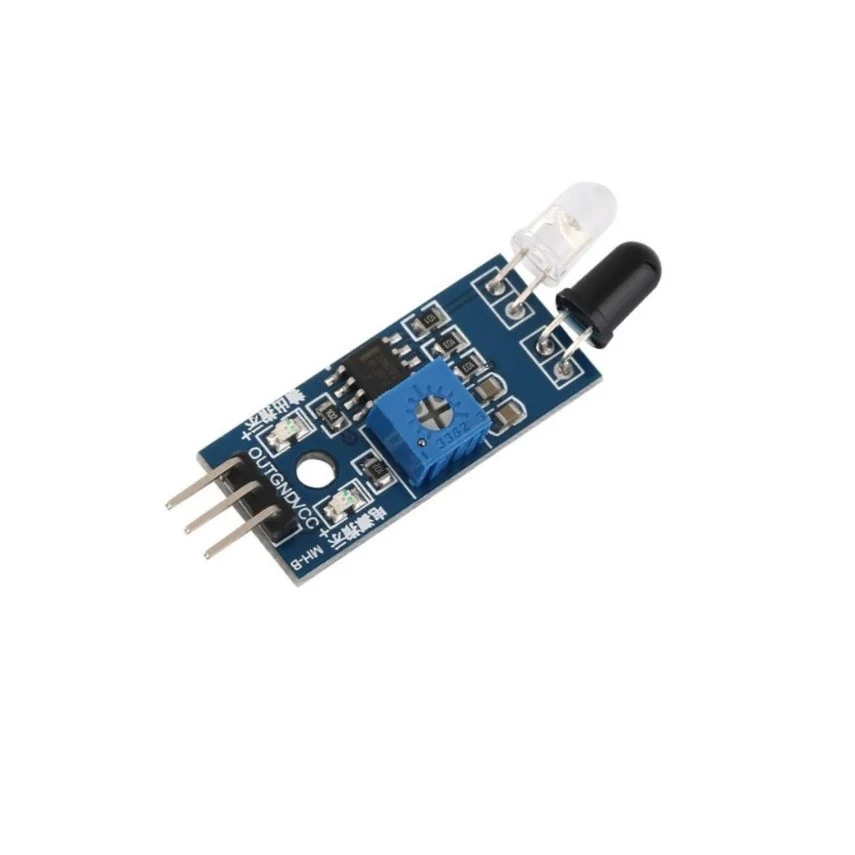
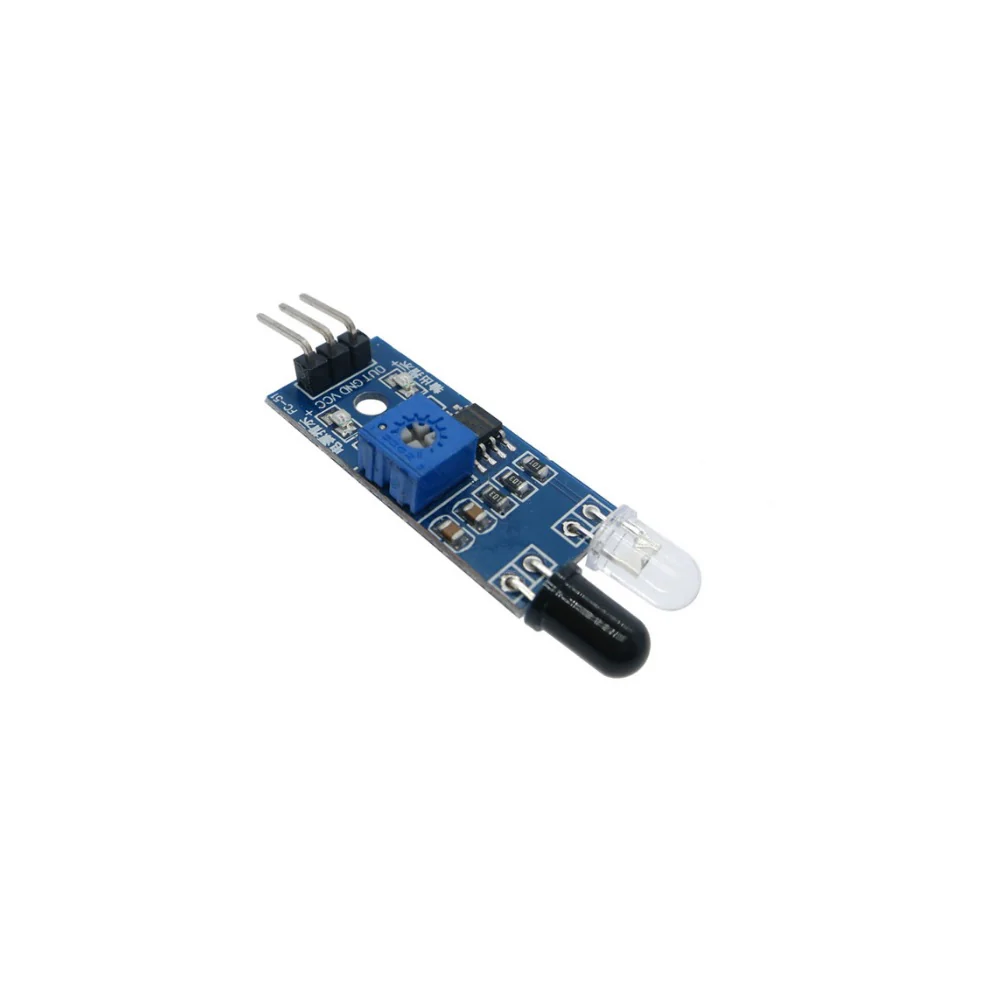
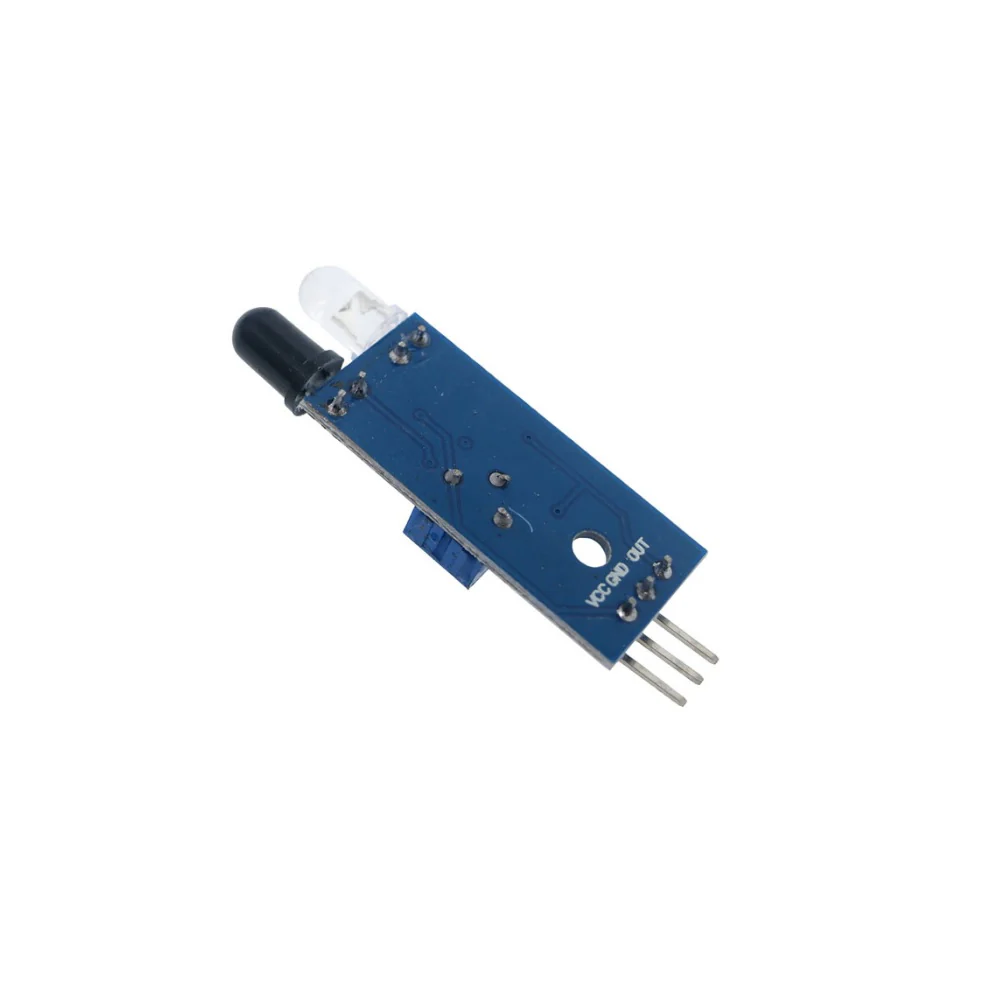
Infrared Obstacle Avoidance IR Sensor Module
Infrared Obstacle Avoidance IR Sensor Module
Infrared Obstacle Avoidance IR Sensor Module
An Infrared (IR) Sensor is an electronic device that uses infrared light to detect objects or measure distances. IR sensors are commonly used in various applications, such as proximity detection, motion sensing, and communication with devices like TVs or robots.
Technical Specifications:
-
Operating Voltage Range: 3.6~5 VDC
-
Average Current Consumption (mA): 0.06mA
-
Field of view: 35°
- Distance Measuring Range: 2 ~ 30cm
Pinouts:
Connection with Arduino:
|
Module |
Arduino UNO |
|
VCC |
5V |
|
GND |
GND |
|
OUT |
Pin 7 |
Sample code:
const int sensorPin = 7; // IR sensor output pin
void setup() {
pinMode(sensorPin, INPUT);
Serial.begin(9600);
}
void loop() {
int sensorValue = digitalRead(sensorPin);
if (sensorValue == LOW) { // Object detected
Serial.println("Object detected!");
} else {
Serial.println("No object detected.");
}
delay(200); // Short delay for stability
}
Product Information
Product Information
Shipping & Returns
Shipping & Returns
Description
Infrared Obstacle Avoidance IR Sensor Module
An Infrared (IR) Sensor is an electronic device that uses infrared light to detect objects or measure distances. IR sensors are commonly used in various applications, such as proximity detection, motion sensing, and communication with devices like TVs or robots.
Technical Specifications:
-
Operating Voltage Range: 3.6~5 VDC
-
Average Current Consumption (mA): 0.06mA
-
Field of view: 35°
- Distance Measuring Range: 2 ~ 30cm
Pinouts:
Connection with Arduino:
|
Module |
Arduino UNO |
|
VCC |
5V |
|
GND |
GND |
|
OUT |
Pin 7 |
Sample code:
const int sensorPin = 7; // IR sensor output pin
void setup() {
pinMode(sensorPin, INPUT);
Serial.begin(9600);
}
void loop() {
int sensorValue = digitalRead(sensorPin);
if (sensorValue == LOW) { // Object detected
Serial.println("Object detected!");
} else {
Serial.println("No object detected.");
}
delay(200); // Short delay for stability
}